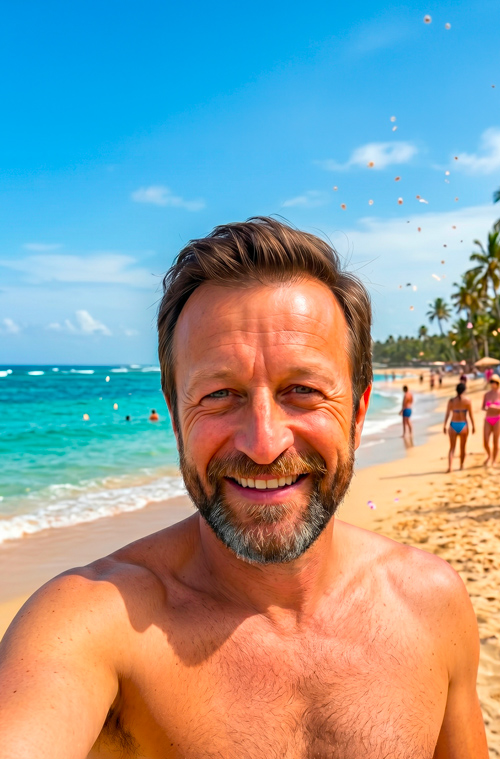
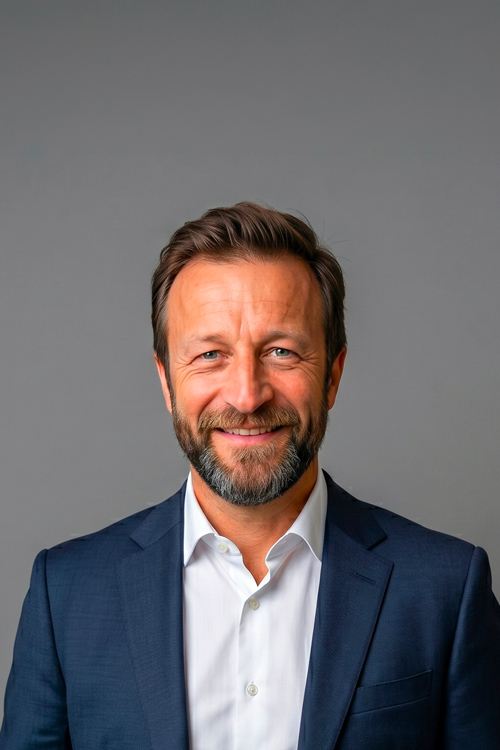
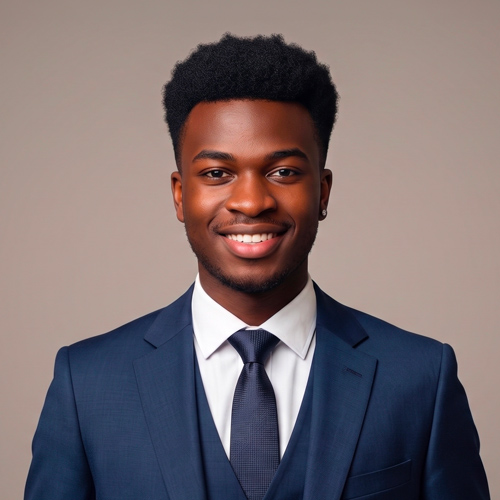
{"media":{"type":"animation","animation":"photo-before-after","before":{"src":"https://cdn.cvdesignr.com/static/assets/landings/premium/selfie_plage_vertical.jpg","alt":"Photo before AI transformation"},"after":{"src":"https://cdn.cvdesignr.com/static/assets/landings/premium/photo_pro_hero_vertical.jpg","alt":"Professional photo after AI transformation"},"beforeLabel":"Before","afterLabel":"After AI","aiBadgeLabel":"AI transformation"}}
{"id":"photo-before-after","before":{"src":"https://cdn.cvdesignr.com/static/assets/landings/premium/selfie_plage_vertical.jpg","alt":"Photo before AI transformation"},"after":{"src":"https://cdn.cvdesignr.com/static/assets/landings/premium/photo_pro_hero_vertical.jpg","alt":"Professional photo after AI transformation"},"beforeLabel":"Before","afterLabel":"After AI","aiBadgeLabel":"AI transformation"}
Before
After AI
AI transformation
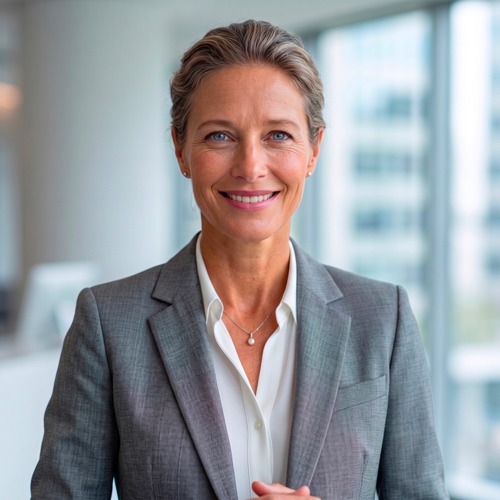
Why take care of your professional resume photo?
Strengthen your credibility
A sharp, well-framed photo creates a more professional impression.
Humanize your application
Recruiters can more easily connect a face with a career path.
Create consistency
Your resume, LinkedIn profile and portfolio gain impact when your visual identity is consistent.
How to create a professional photo with AI?
A simple process to get a cleaner application photo without a complicated photo shoot or manual retouching.
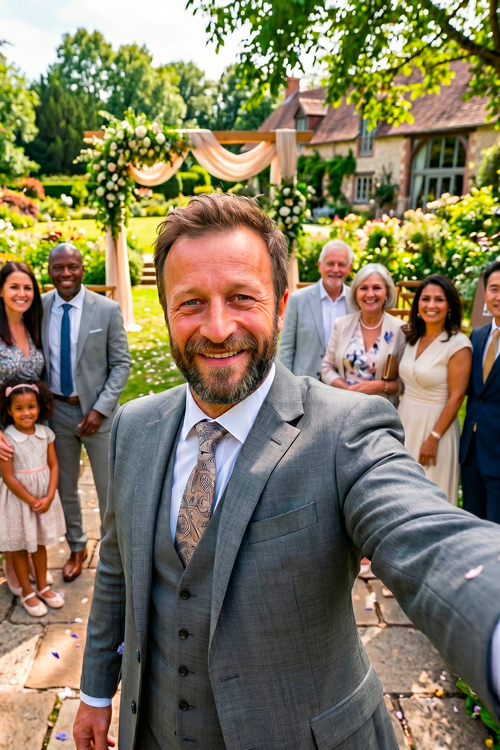
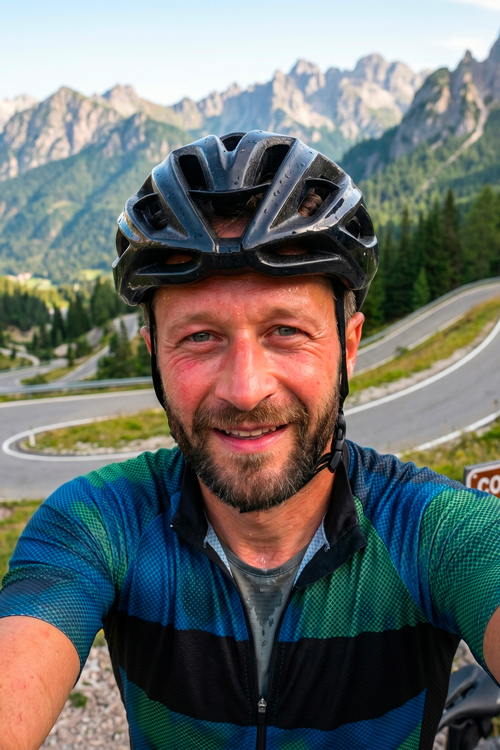
{"id":"photo-selfie","photos":[{"src":"https://cdn.cvdesignr.com/static/assets/landings/premium/photo_pro_hero_vertical.jpg","alt":"Selfie transformed into a professional photo"},{"src":"https://cdn.cvdesignr.com/static/assets/landings/premium/selfie_mariage_vertical.jpg","alt":"Wedding selfie"},{"src":"https://cdn.cvdesignr.com/static/assets/landings/premium/selfie_canape_vertical.jpg","alt":"Sofa selfie"},{"src":"https://cdn.cvdesignr.com/static/assets/landings/premium/selfie_velo_vertical.jpg","alt":"Cycling selfie"}],"badge":"Selfie detected · Preparing your professional photo"}
Selfie detected · Preparing your professional photo
1
Take a photo of yourself
Choose an image where your face is visible, sharp and well lit, or take a photo directly in front of your screen.
2
Choose the look you want
Select the professional outfit you want, adjust lighting and background, and even refine hairstyle or makeup.
3
Generate your AI portraits
AI transforms your image into a photo aligned with professional application standards in just a few seconds.
4
Reuse it everywhere
Add your photo to your resume, LinkedIn profile and application materials.
Mistakes to avoid for a professional resume photo
What to avoid
An obvious selfie or arm’s-length photo
A messy or overly personal background
A closed or unnatural expression
A party, vacation or cropped group photo
Clothing that does not fit the target industry
What to aim for
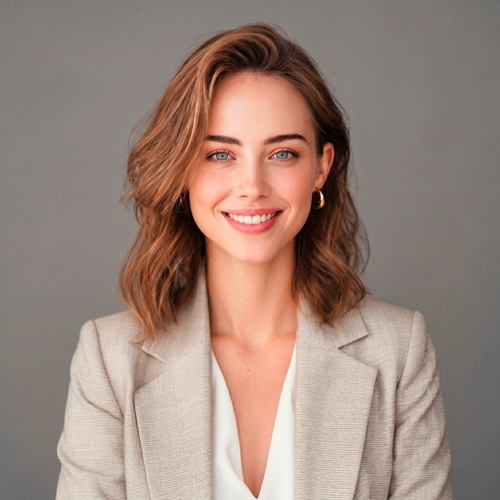
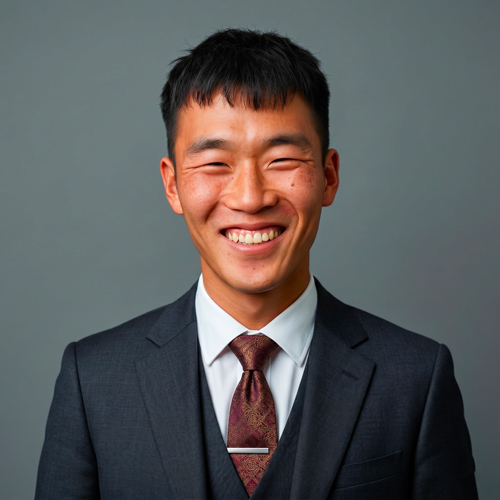
A sharp, well-lit and recognizable face
A simple background suited to professional use
A natural, open and confident expression
Centered framing showing the face and upper torso
A look consistent with the design of your resume
FAQ
Frequently asked questions about professional resume photos
Is a photo required on a resume?
No. A photo is not mandatory. It can still be useful if it improves the clarity, credibility and consistency of your application.
How do I take a good professional photo?
Face a source of natural light, choose a simple background, keep an upright posture and frame the image from your face to the upper torso.
What photo should I use on LinkedIn?
A LinkedIn photo should be sharp, recent and professional. It can be slightly more personal than a resume photo while remaining consistent with your professional goals.
What colors should I wear for a resume photo?
Neutral colors work very well: blue, white, grey, black, beige or soft tones. Avoid overly visible patterns.
Is an AI-generated photo suitable for a job application?
Yes, as long as the result remains natural, faithful and professional. The goal is to improve visual quality, not create a misleading image.
Create your resume with a professional photo
The AI Photo feature is included with CVDesignR Premium.