Import your existing CV into our editor
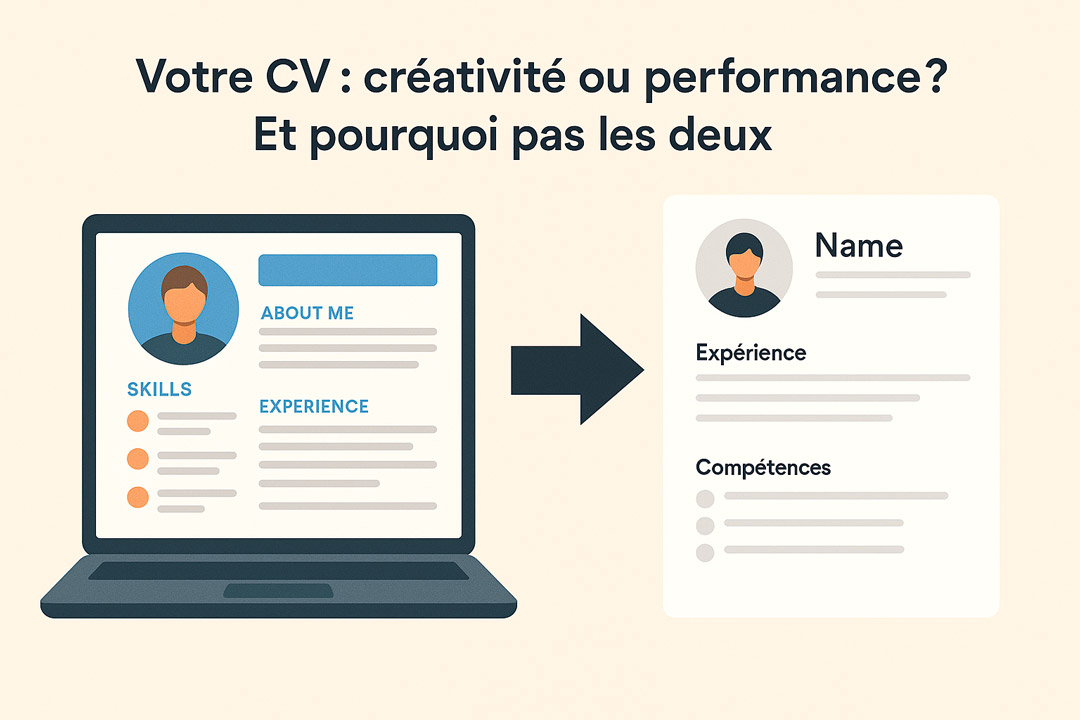
No need to rebuild your CV from scratch
Import your CV made with Canva
Have you ever tried switching templates in Canva? With CVDesignR, you can move to a professional design while importing the content from your existing CV. Change templates in one click whenever you want, then share your CV with recruiters and move your job search forward faster.
Even if it was created in a word processor
Import my Word CV in .docx or .doc format
For your previous job search, you may have downloaded a free CV template and filled it out in Word. Then, when it is time to update it, you run out of space, columns refuse to move the way you want, or you simply want a different design without entering everything again.
By importing your CV into CVDesignR, you can avoid as much copying and pasting as possible, choose the template you like, and switch designs whenever you want.
Or any CV you designed yourself
Import my CV made with Photoshop or Illustrator
If you are comfortable with well-known design tools, creating your CV from scratch can feel like the best way to impress recruiters. It is also a good way to showcase your design skills — provided a recruiter is the first one to read it.
If software scans and parses your CV first, however, some information may not be read correctly, reducing your chances of making it through the first algorithmic screening. When applying online with a CVDesignR CV, you can submit with greater peace of mind.